Pixform

Save Image as PNG & JPG, WebP Converter

Browser extension · Coming soon for Chrome and Edge

A WebP that no app will open? A picture you need as a JPG for a form? Right-click it: Pixform converts and saves it, without leaving the page or uploading anything.

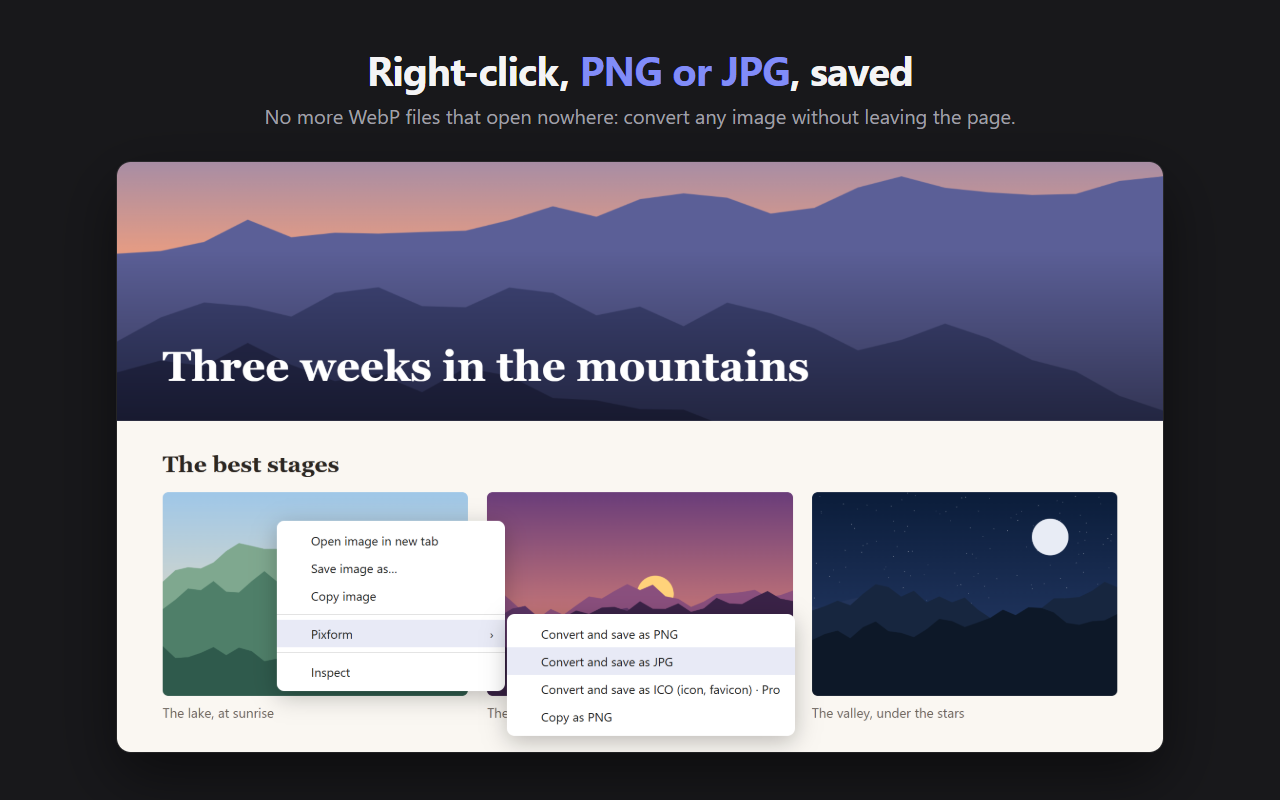
The right-click menu on an image: Pixform offers to convert and save it as PNG, JPG or ICO, or to copy it as PNG

Features

Right-click, converted

Any image, as PNG or JPG

  • Right-click an image, then Pixform: the file lands in Downloads/Pixform
  • The largest version the page offers, not the small thumbnail you see
  • A banner that is not a real image (CSS background, image under a layer)? “Choose an image on the page” finds it
  • Copy as PNG: the image goes to the clipboard, ready to paste in a chat, a document or an email
  • A file already in the right format is saved as is, with no quality loss, but without its metadata (GPS position, camera)
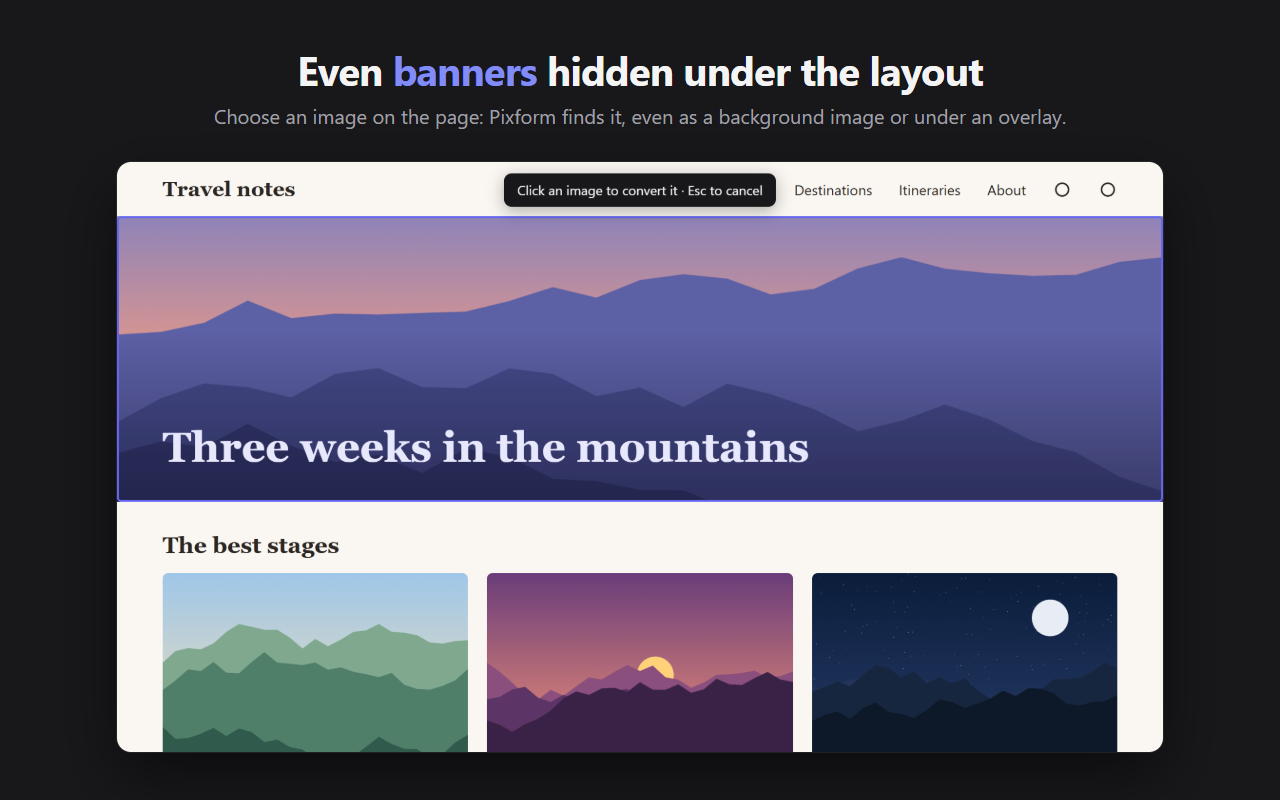
A blog page whose banner is a background image, which Pixform finds with “Choose an image on the page”

Drag, drop, convert

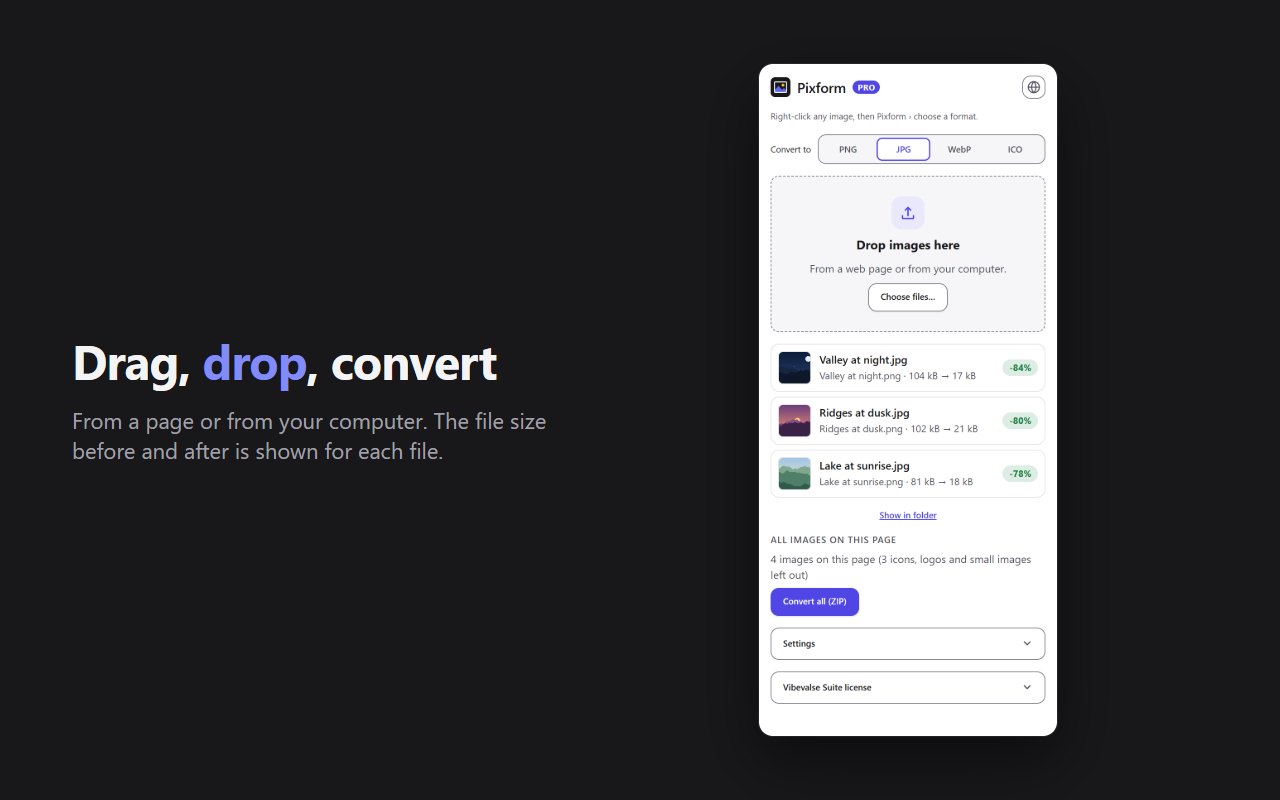
Click the Pixform icon to open the panel: drop an image dragged from a page, or files from your computer. The size before and after is shown for each file.

The panel also converts to WebP. Pixform reads everything your browser can display: PNG, JPG, WebP, AVIF, GIF, BMP, ICO, SVG.

The Pixform panel: drop zone and three images converted to JPG with their size before and after

A target file sizePRO

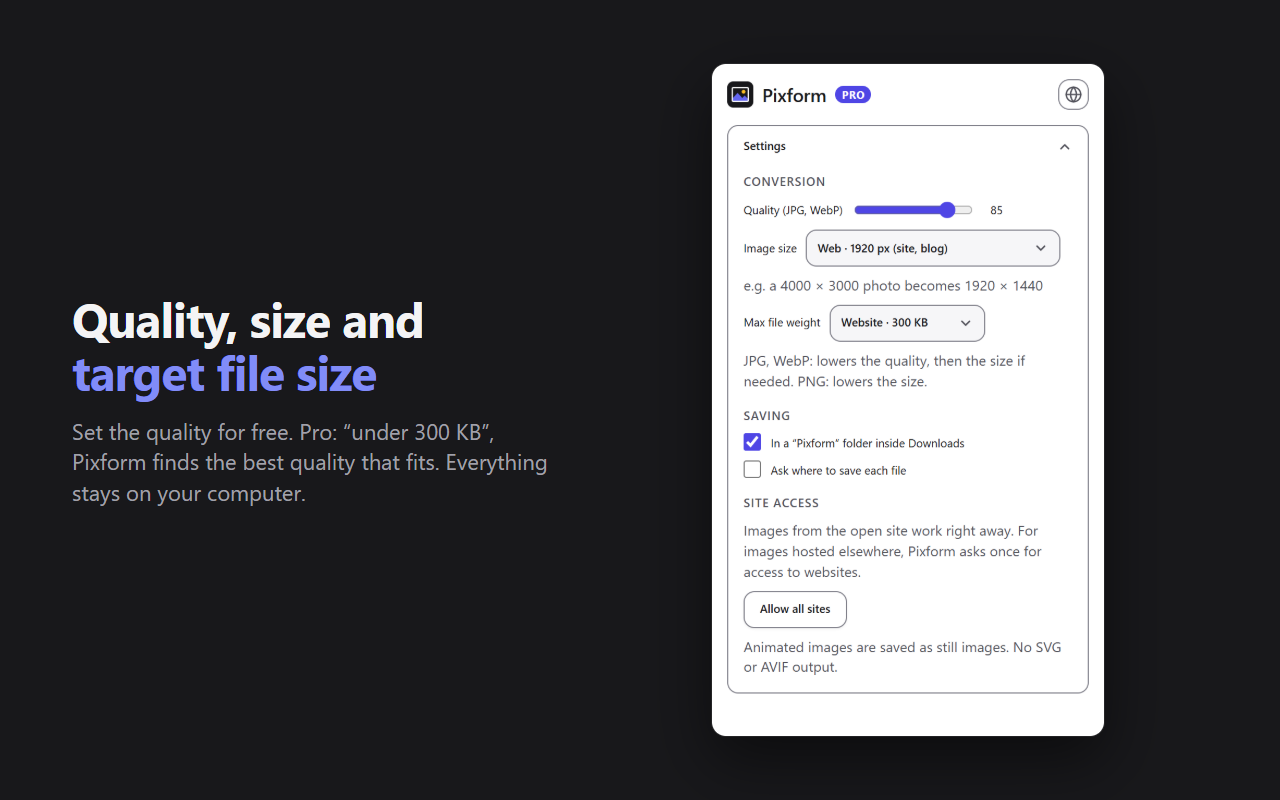
“Under 200 KB” for a form, 300 KB for a website, 1 MB for an email, or your own value: Pixform finds the best quality that fits, then reduces the dimensions if needed.

The right sizePRO

Limit the longest side for the use (web 1920 px, email 1280 px, social media 1080 px) or to your own value, never enlarging.

Pixform settings: quality, image size, maximum file size and download folder

All the photos of a pagePRO

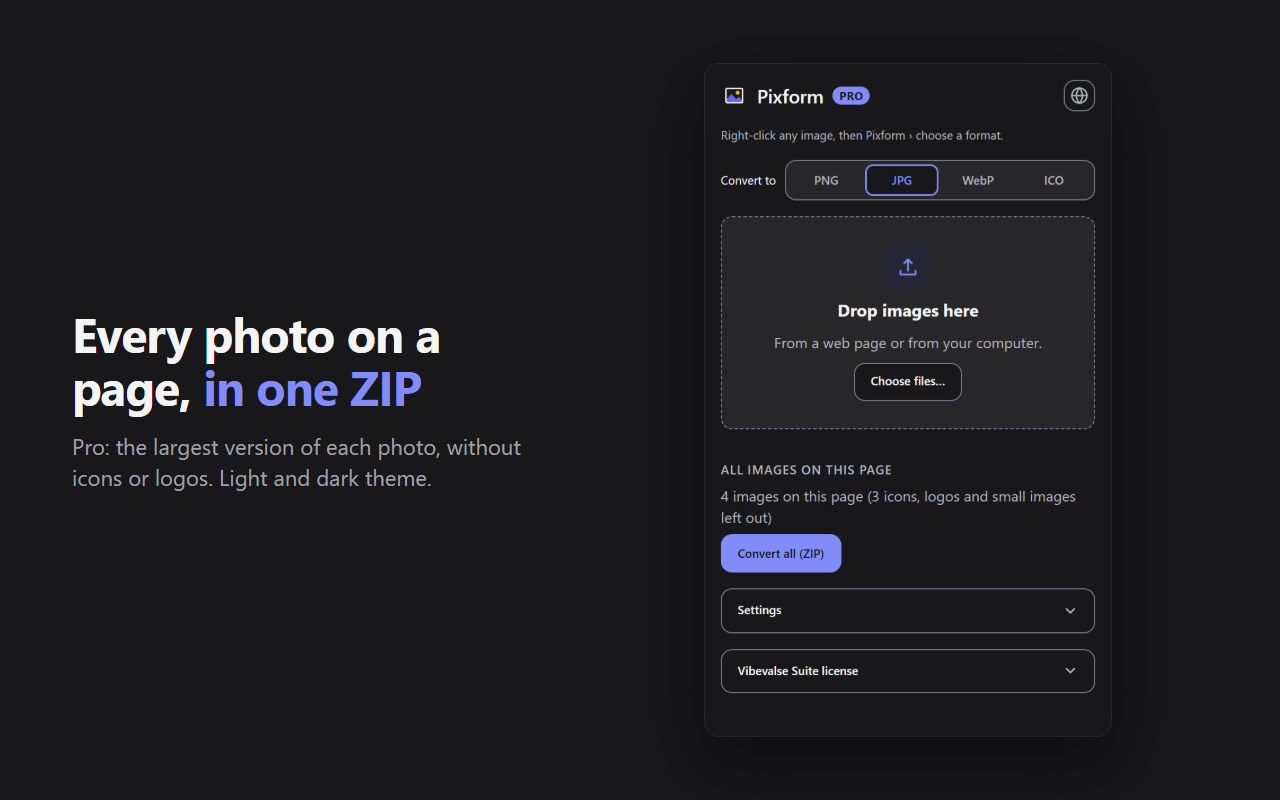
The photos and illustrations of the page, background images included, in a single ZIP, taking the largest version of each. Icons, logos and small images are left out. Several files dropped at once in the panel also go into a ZIP.

Icons and faviconsPRO

ICO export, from 16 to 256 px.

The Pixform panel in dark theme: every image of the page to convert into one ZIP

Free and Pro

What Pro unlocks

FreePro
Output formatsPNG, JPG from the right-click menu; + WebP in the panel+ ICO (icons, favicons)
JPG and WebP qualityAdjustable from 10 to 100%Adjustable from 10 to 100%
Copy as PNG, choose an image on the pageYesYes
Image sizeThe original oneBy use or your own value
Target file sizeNo200 KB, 300 KB, 1 MB or your own value
All the photos of the pageNoIn a ZIP, up to 200
PanelOne image at a timeSeveral files at once, in a ZIP

Limits: animated images are saved as still images, and Pixform does not output SVG or AVIF.

Pro is activated with your Vibevalse Suite license key, entered in the Pixform panel (License). Changing devices? Deactivate the license in the panel, then enter the same key on the new one. The extension requires Chrome or Edge 120 or later.

Privacy

Your images stay with you

  • Everything happens in your browser. Images are converted on your computer: nothing is uploaded, to Vibevalse or anyone else. No account, no tracker, no ads.
  • No permission for the open site. For images hosted on another site, Pixform explains why, then the browser asks once for access to websites.
  • Metadata removed: saved files keep neither the GPS position nor the camera model.
  • Only the Pro license key is checked with Polar, our payment provider.

Read the Pixform privacy policy

Pro, and every other extension

The Vibevalse Suite unlocks Pro in Pixform as soon as it is out, and in every extension of the Suite, today's and tomorrow's. One payment, refunded within 14 days if it's not for you.

See the Vibevalse Suite