GlyphGrab

Font Finder & SVG Extractor

Browser extension · Coming soon for Chrome and Edge

Which font is this title in? Where can you get this icon, this logo? Hover a text to know its font, size and color, then get every SVG of the page, ready to copy or download, without opening the developer tools.

GlyphGrab: identify any font, grab every icon and logo of a page

Features

Fonts and SVGs, without the developer tools

The font of any text, on hover

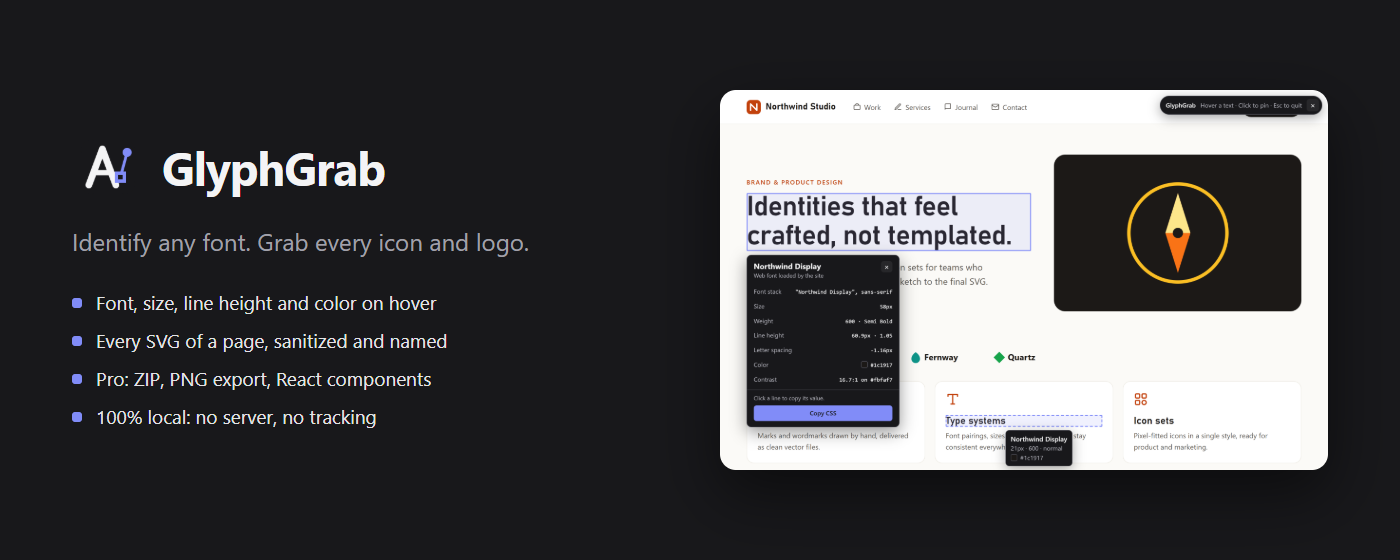
  • The font actually rendered, not just the first name of the font-family list, which is shown too
  • Size, weight, line height, letter spacing, color and contrast
  • Click to pin a card and copy any value; Esc to quit

The CSS in one clickPRO

Copy the CSS of an inspected text, ready to paste.
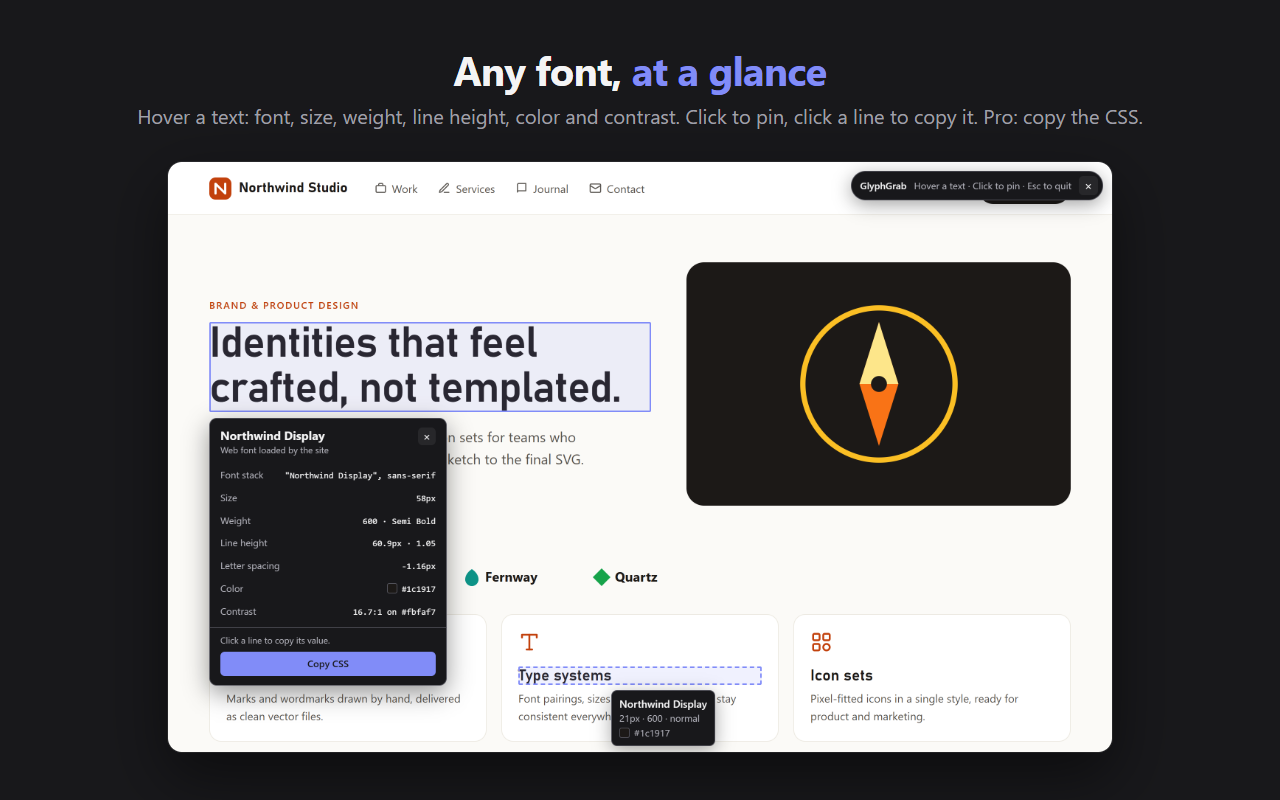
The GlyphGrab font inspector over a title: font, font stack, size, weight, line height, letter spacing, color and contrast

Every SVG of the page

  • SVG in the page, sprites (symbols), SVG images, CSS backgrounds (including ::before and ::after) and the site icon
  • Preview on a light or dark background
  • Copy or download each SVG
  • Every SVG is sanitized: scripts, event handlers and javascript: links removed

Clean SVGs, ZIP, PNG and ReactPRO

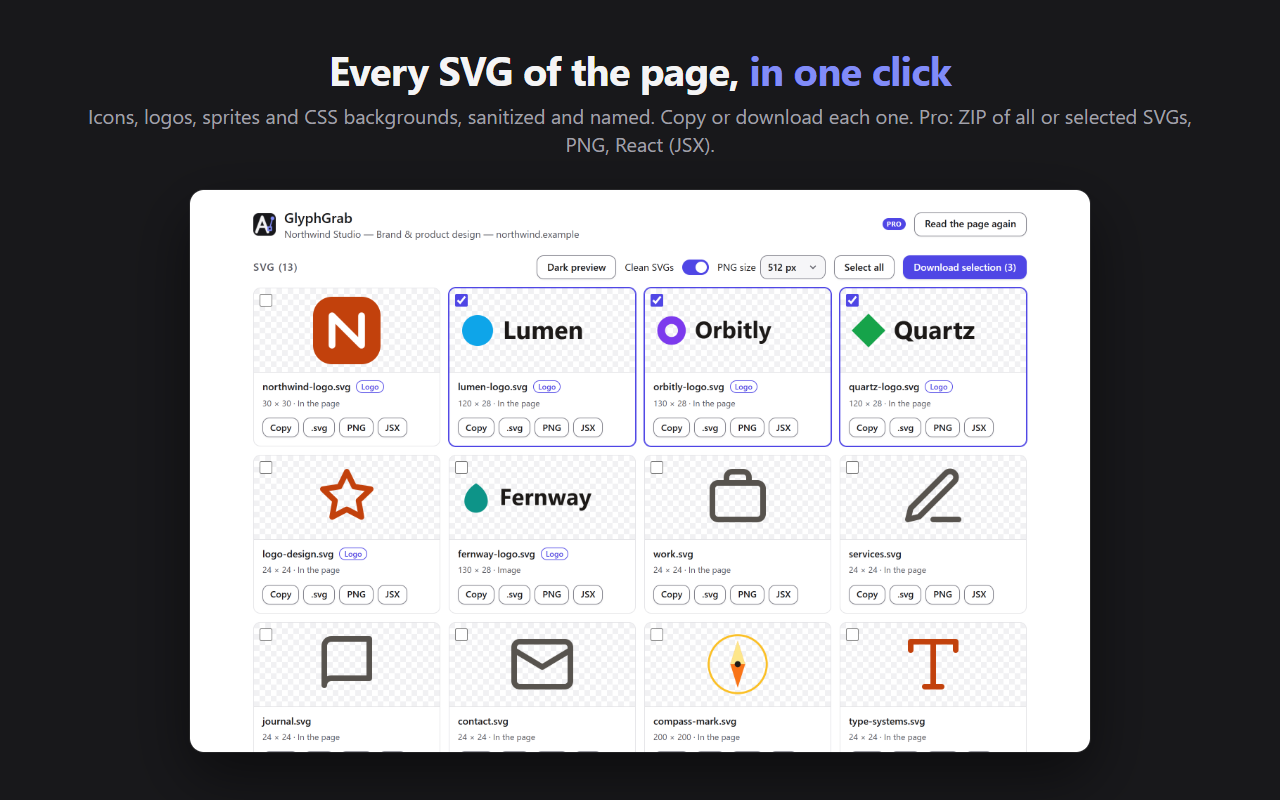
SVGs without editor metadata, comments or unused ids. Every SVG of the page, or only the ones you selected, in a ZIP file. PNG export from 64 to 1024 px, and copy as a React (JSX) component.

The SVGs of a page in GlyphGrab: logos and icons with their size and source, ready to copy or download

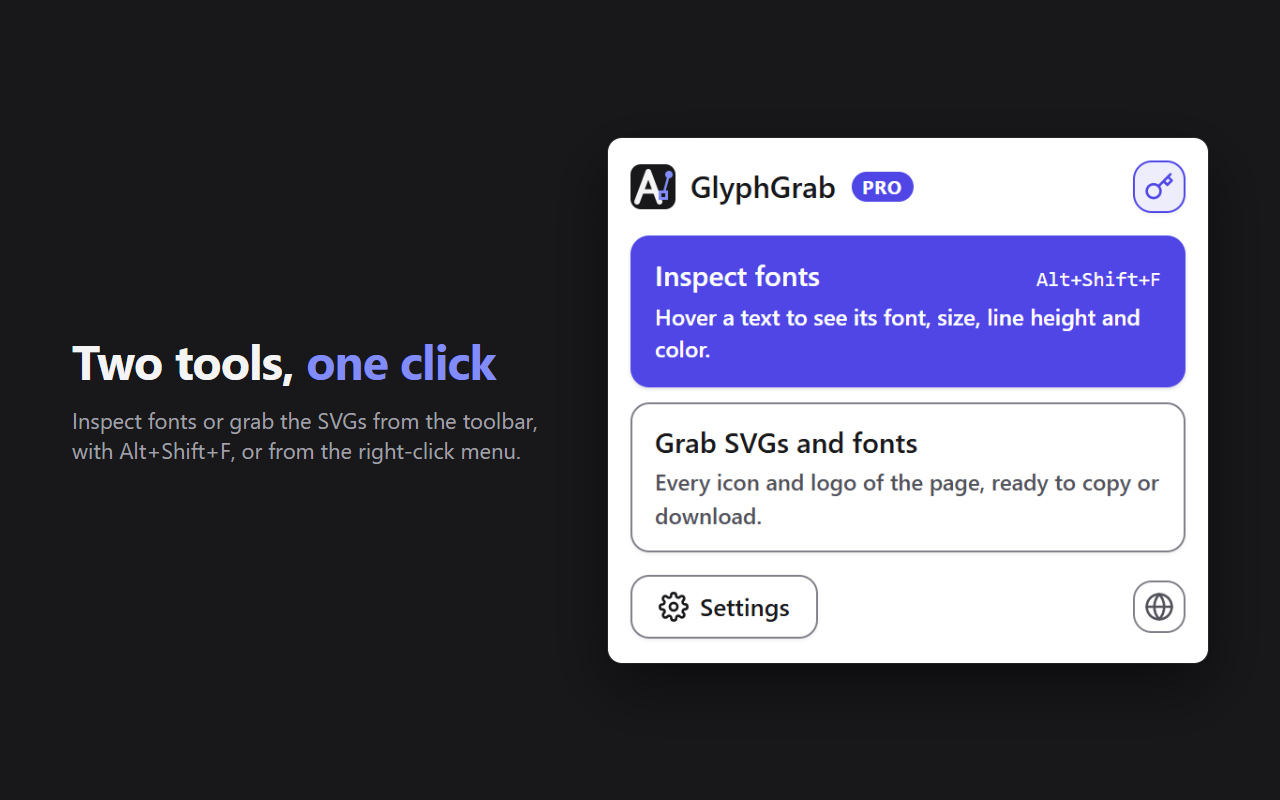
Two tools, one click

Inspect the fonts or grab the SVGs from the icon, with the Alt+Shift+F shortcut or from the right-click menu.

The fonts of the page

The list of the fonts used on the page, with their source (Google Fonts, web font loaded by the site, font installed on the computer, browser default), their weights and their sizes.

Typography reportPRO

The fonts, sizes and colors of the page in a Markdown file.

The GlyphGrab popup: inspect fonts (Alt+Shift+F) or grab the SVGs and fonts of the page

Simple and private

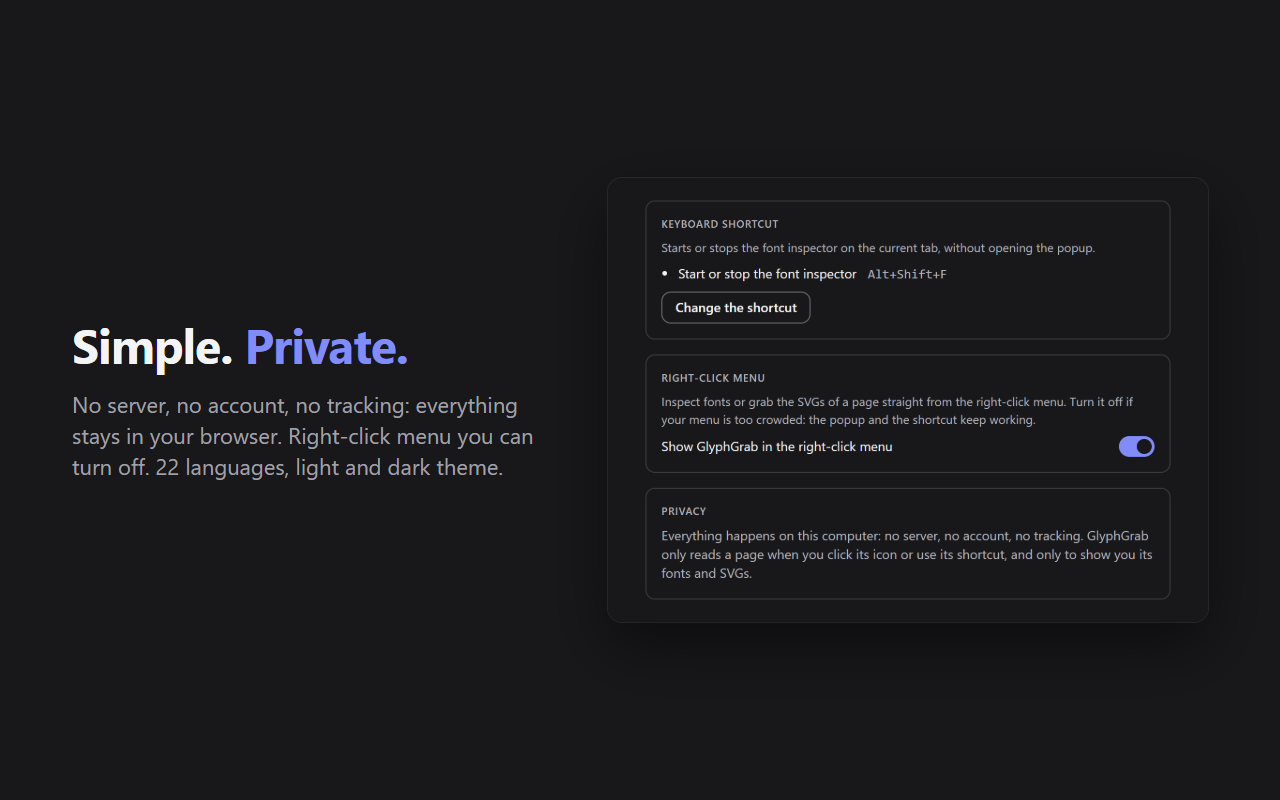
No server, no account, no tracking: everything stays in your browser. The right-click menu can be turned off in the settings, and the extension speaks 22 languages.

GlyphGrab settings: keyboard shortcut, right-click menu that can be turned off, and privacy

Free and Pro

What Pro unlocks

FreePro
Font inspector on hover, values to copyYesYes
Every SVG of the page, copy and downloadYesYes
Fonts of the pageYesYes
Copy the CSS of a textNoYes
Clean SVGsNoYes
ZIP downloadNoAll, or the selected SVGs
PNG exportNo64 to 1024 px
React (JSX) componentNoYes
Typography reportNoMarkdown

Pro is activated with your Vibevalse Suite license key, entered in GlyphGrab's settings (License). Changing devices? Deactivate the license in the settings, then enter the same key on the new one. The extension requires Chrome or Edge 120 or later.

Privacy

What you inspect stays with you

  • Everything happens in your browser. Texts, fonts and SVGs are read only to show them to you: nothing is uploaded, to Vibevalse or anyone else. No account, no tracker, no ads.
  • No access to your websites. A page is read only when you click the icon, use the shortcut or the right-click menu, and only that page.
  • SVGs hosted on another site: GlyphGrab asks once, only if you choose to, for the access needed to read them, and downloads them without cookies.
  • Only the Pro license key is checked with Polar, our payment provider.

Read the GlyphGrab privacy policy

Pro, and every other extension

The Vibevalse Suite unlocks Pro in GlyphGrab as soon as it is out, and in every extension of the Suite, today's and tomorrow's. One payment, refunded within 14 days if it's not for you.

See the Vibevalse Suite